Give your office screens
a digital pulse
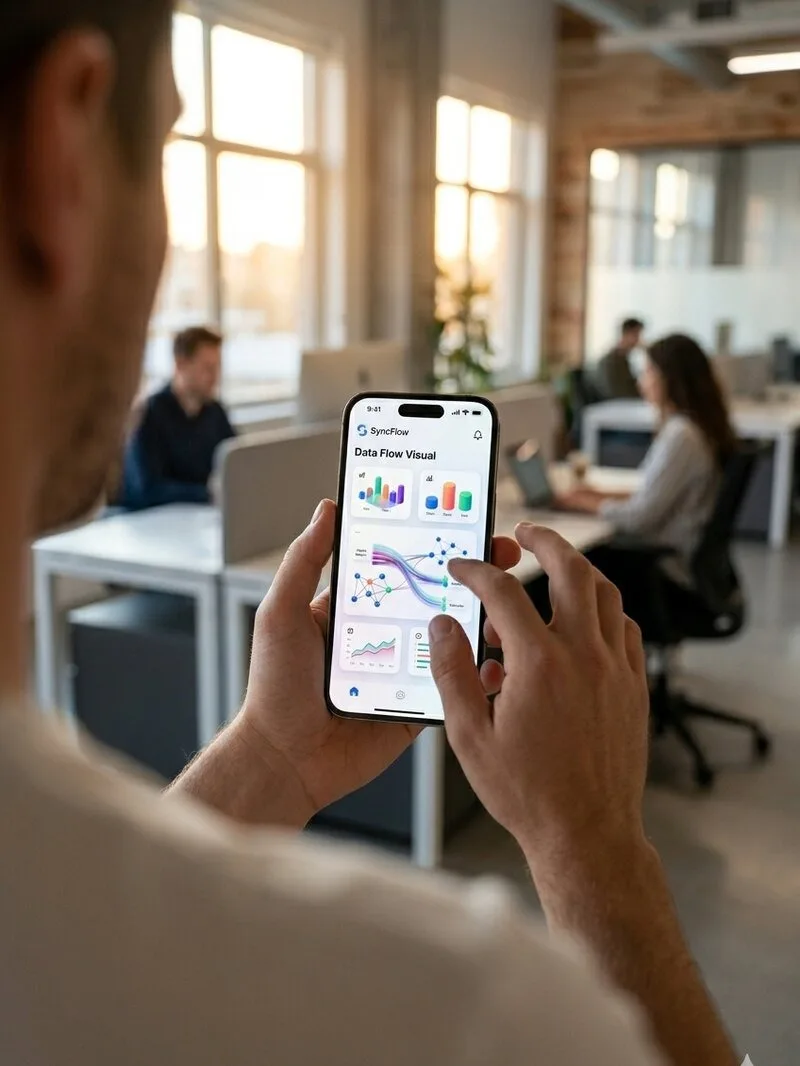
The Bento-Grid system that organises your team’s deadlines and impresses your visitors. Full control in 5 seconds from your phone.
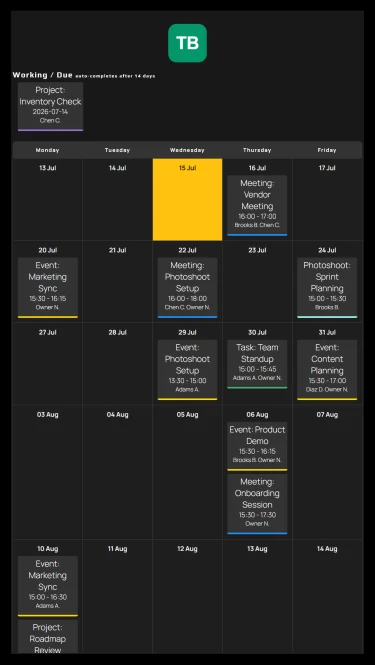
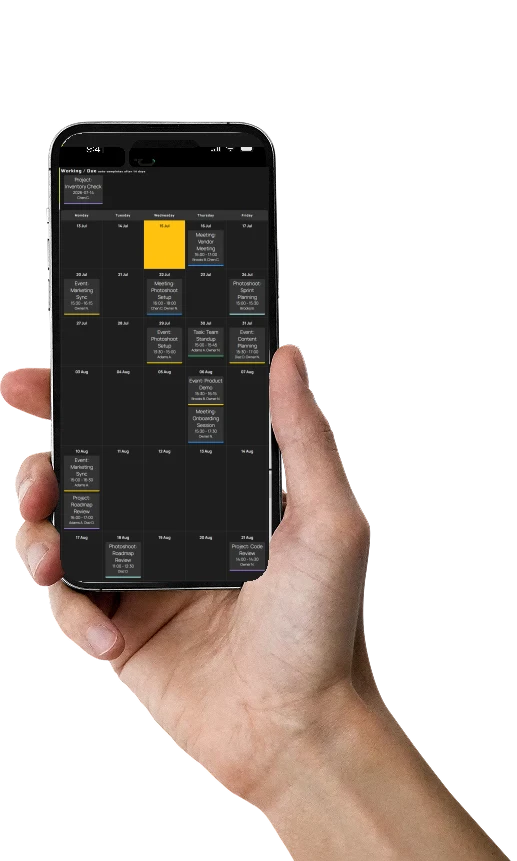 Team Updated
See SyncFlow
in action
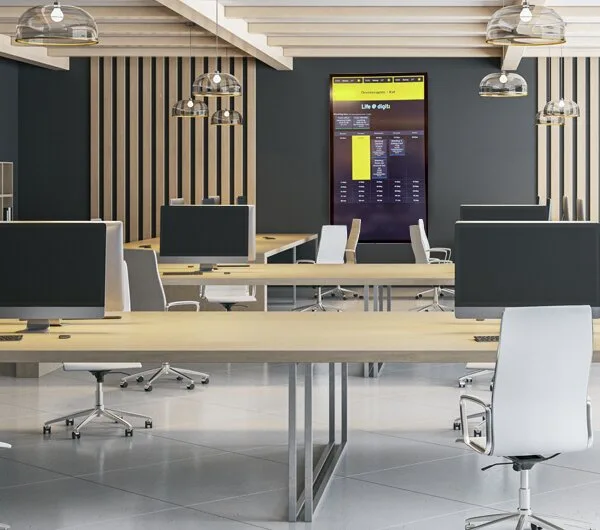










Everything Your Team Needs,
Nothing More
A focused dashboard with no distractions that keeps everyone on the same page, from the office TV to each member's screen.
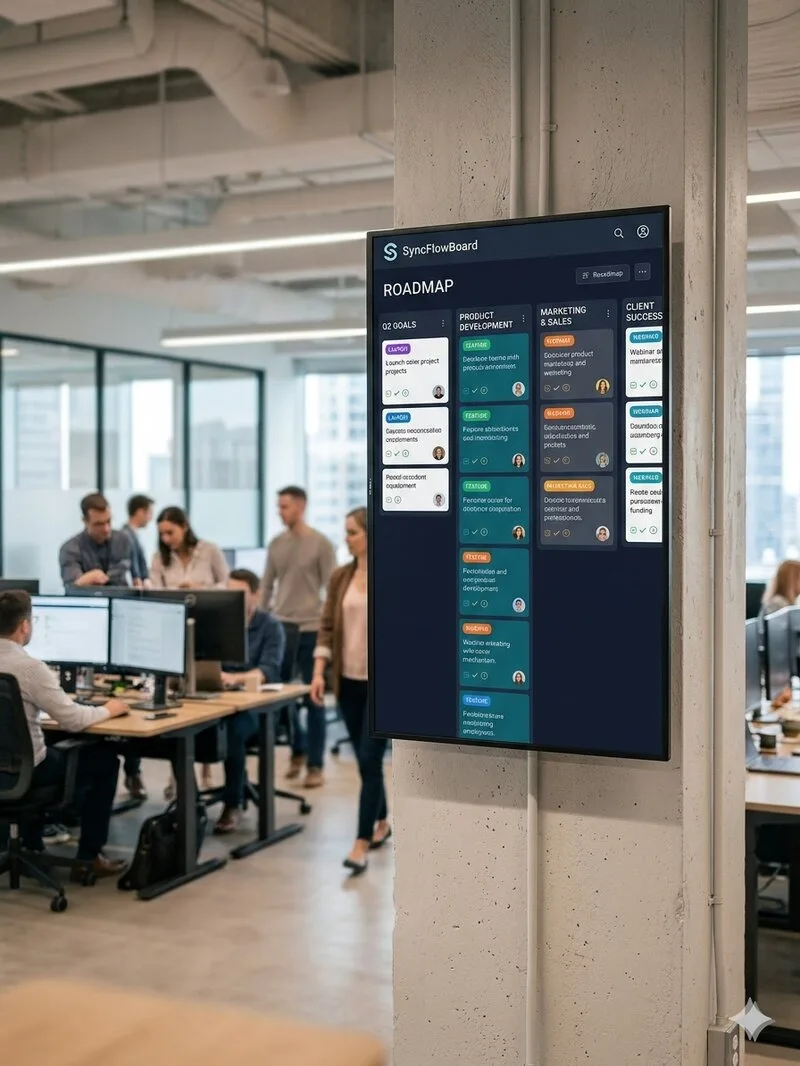
Event Board
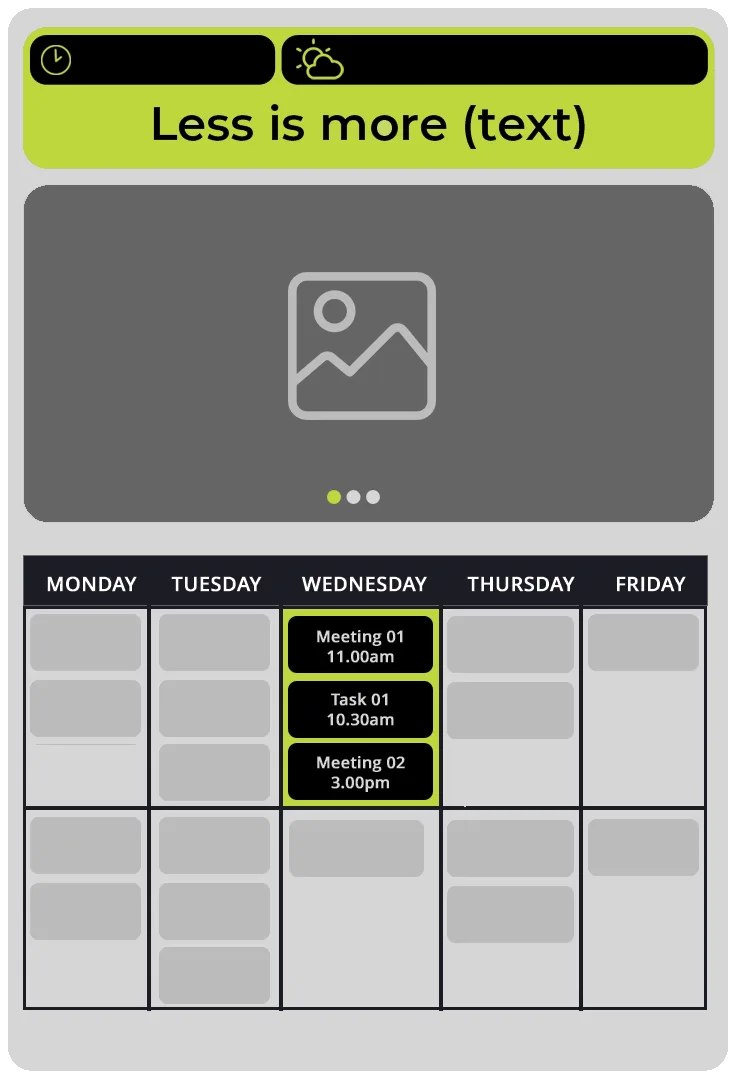
Meetings, deadlines, photoshoots, leave - every event type on one timeline. Colour-coded, filterable, always up to date.
TV & Kiosk Mode
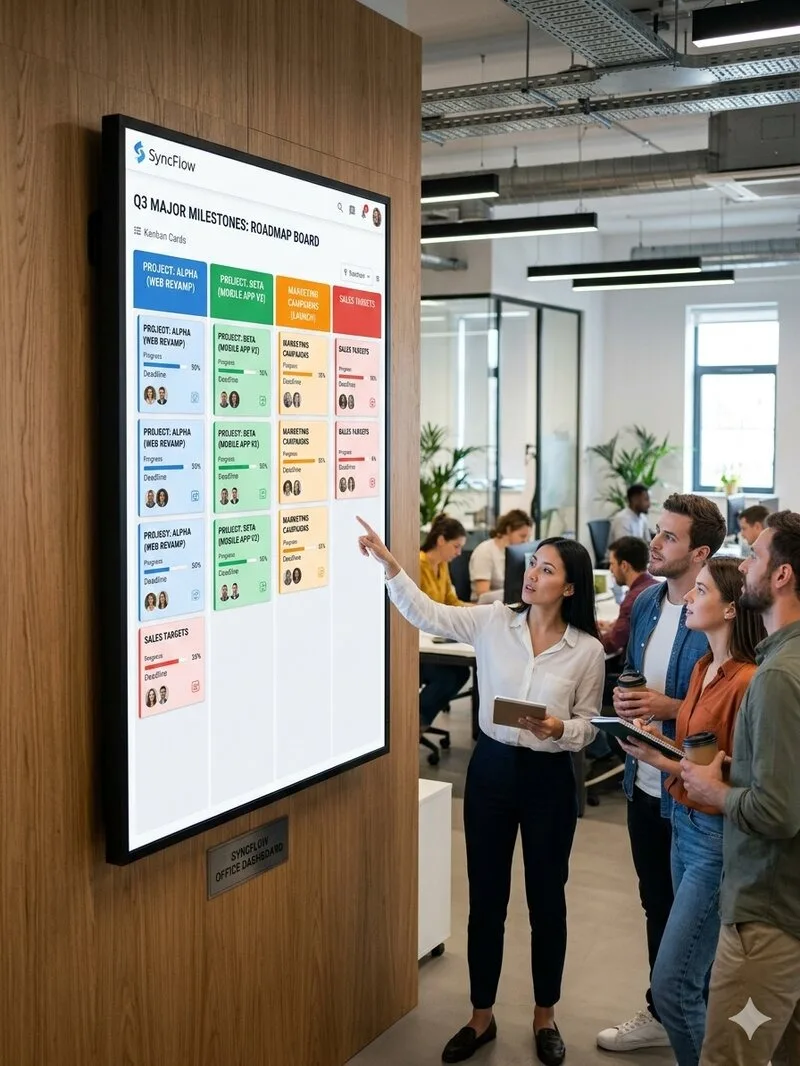
Turn any TV or screen into a live board with the SyncFlow Box - kiosk mode, auto-refresh and screen rotation.
Smart Notifications
Email reminders and alerts keep the team on top of every change and upcoming deadline.
Calendar Invites
Send calendar invites in one click, so every event lands automatically in your team's calendars.

Themes & Branding
Four hand-crafted themes and fully adjustable colours, for a dashboard that fits your brand perfectly.
Interactive Dynamic QR Codes
& scan stats
Turn the screen into a lead tool. Change the destination link whenever you want and watch how many visitors scanned the code, in real time.
Change the destination, not the code
The printed QR stays the same. Swap the link behind it whenever you like, from the menu to the offer, from bookings to reviews.
Real-time scan counts
See how many scans each code picked up, by day and by device, so you know what is actually working on your screen.
Live in two clicks
Add up to three links with a short title and the board shows the QR right beside the day’s schedule.
Built for the Way
Teams Work
Every Event Type, One Board
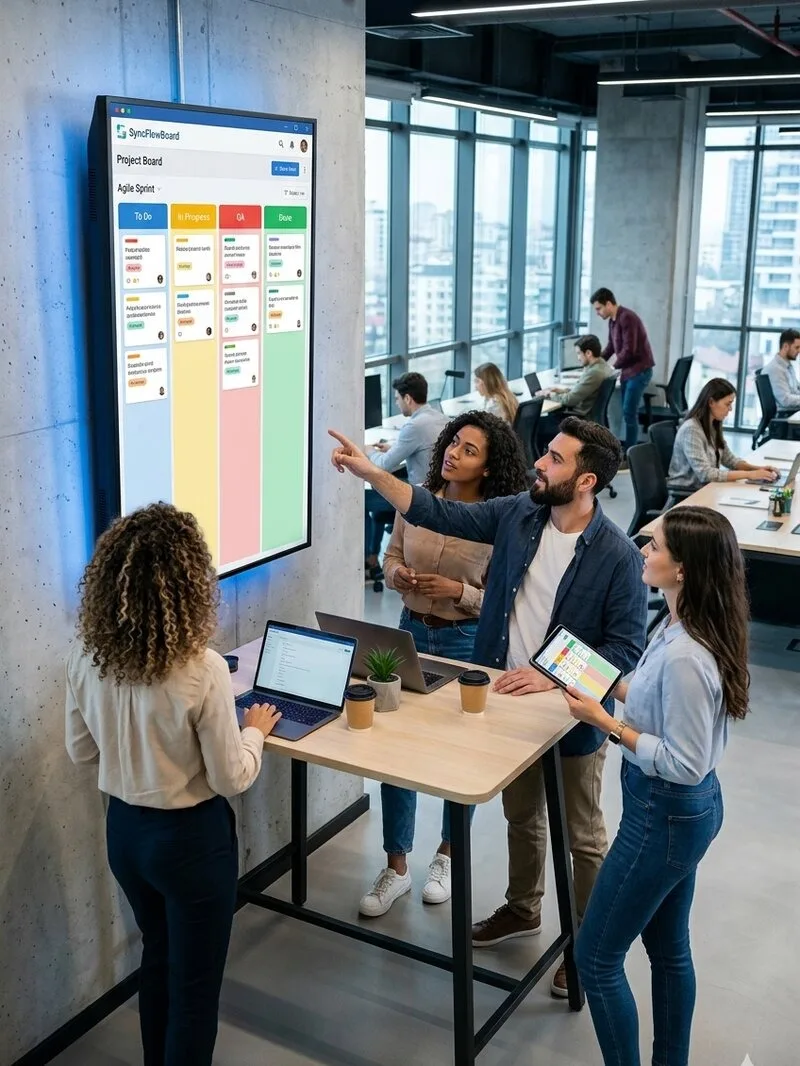
Colour-coded meetings, photoshoots, deadlines and leave, fully custom types. Many managers update the board at once without conflicts.
Themes That Match Your Brand
Four hand-crafted themes with fully adjustable colours. From dark corporate to warm hospitality, your dashboard looks unmistakably yours.
Manage From Anywhere
Owners and project managers create, edit and reschedule events from any phone or tablet, no desktop needed.
Ready for the Big Screen
Any TV becomes a live board through the SyncFlow Box. Kiosk mode, auto-refresh and screen rotation for portrait or landscape displays.
Widgets That Matter
Clock, weather, stock prices and a slideshow sit beside the calendar, so the screen always shows something useful.
Smart Notifications
Email reminders and calendar invites keep the team in the loop, so no one misses a deadline.
Roles & Permissions
Owners, admins, managers and viewers - everyone sees and edits exactly what they should.
Recurring & Automated
Recurring events and automatic completion of past ones keep the board current with zero busywork.
Truly Your Own
Custom CSS and white-label options give you full control of the look, for a dashboard that fits your brand perfectly.
Google Calendar can be a tool for your office.
 is
is
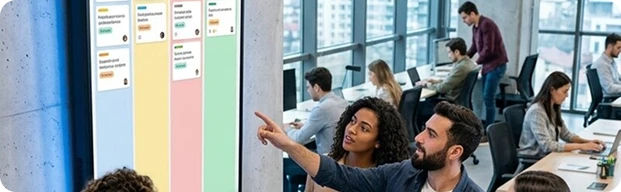 the brain
 of your office.
Designed for

The Workspace Experience
Deadlines, design deliverables and site supervisions no longer live in dozens of files and emails.
- High-End Work Showcase: photos of completed projects
- Client Welcome message: Welcome clients with a personalized message.
- Project Milestones & Deadlines: Keep the team on track.
- Countdowns for major launches and company news
- Live Local Weather
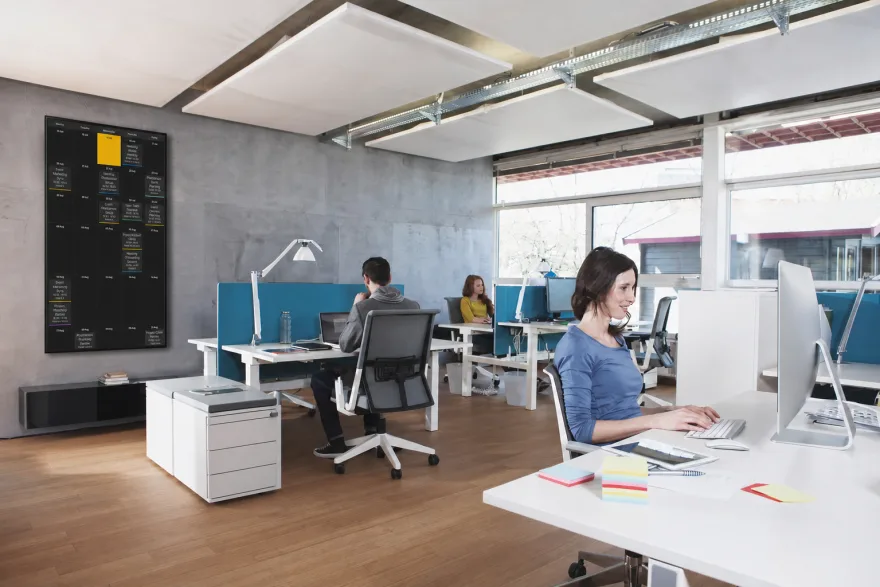
The War Room
Agencies that live by deadlines and "visual confirmation"
- Work Showcase: photos of completed projects
- Deliveries to clients, Shooting days, meetings all organized.
- Client Welcome message: Welcome clients with a personalized message.
- Team messages, goals, quotes, more fun.
- Urgent notifications
- Live Local Weather
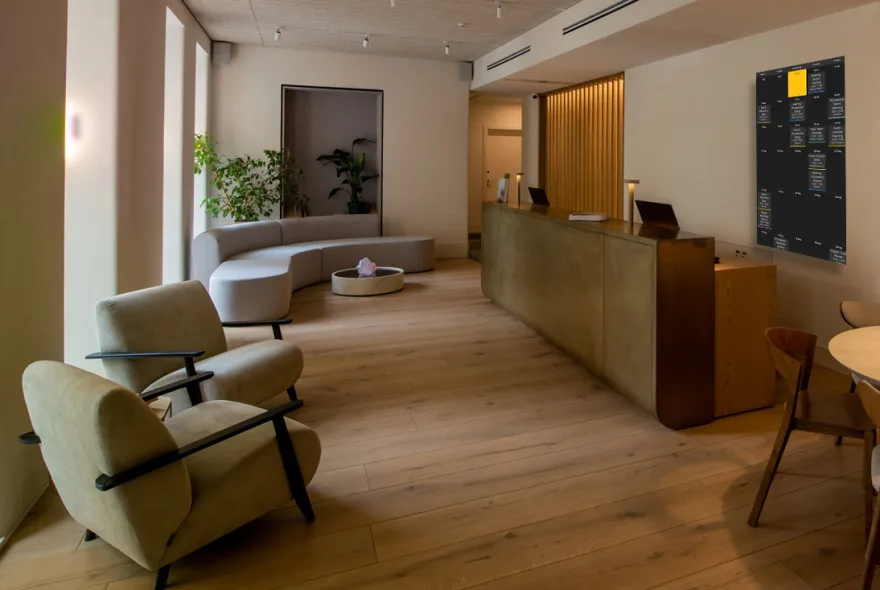
Redefining the Waiting Room Experience
- Warm welcome messages
- Announcements for new treatments, reminders for self-care tips.
- Showcase seasonal packages
- Before / After Cases: In a completely elegant and discreet way to display & results of treatments
- Room availability
- Display of days when the doctor will be away or conferences etc.
- Live local weather & time
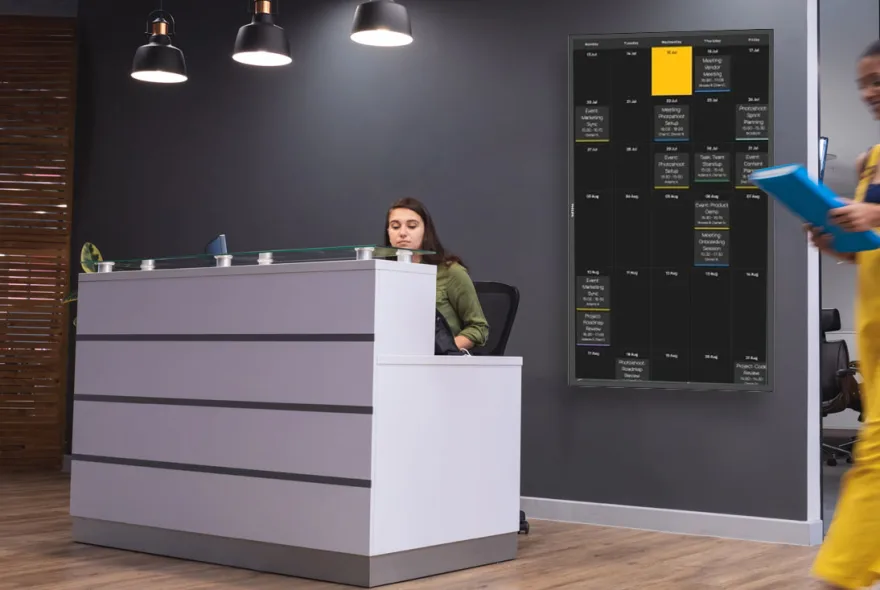
Real-Time Community Hub
A live, interactive dashboard that keeps members connected, showcases the companies housed in the space, and highlights the energy of the hub.
- Member Showcase
- Promote the space's exclusive facilities
- Event Schedule: Upcoming workshops, pitch nights, networking drinks, or community breakfasts in real time.
- Meeting Room Countdowns: Get notified about meeting room availability, space rules, or infrastructure updates
- Tech News & Announcements
- Live local weather & time
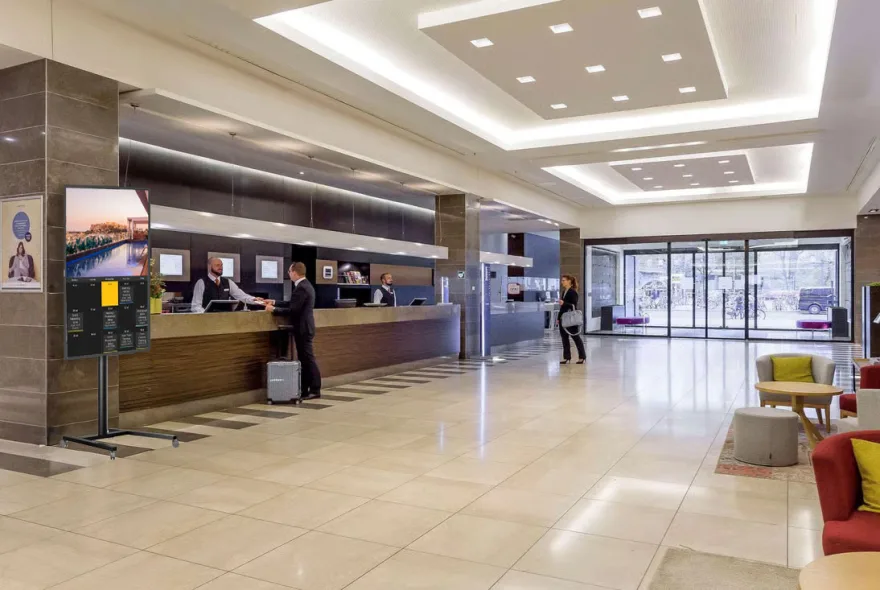
Guest Experience & Daily Vibe Board
Turn the lobby into an interactive, premium experience for guests.
- Photo experience: preview from the pool, Spa, Gym or restaurant
- Local Events & Recommendations: Showcase the current highlights of the area, events, exhibitions or recommended spots.
- Live Local Weather & Sunset Times
- Daily Specials & Experiences: the cocktail of the day at the pool bar, the special menu at the restaurant, Live Music Nights.
- Weekly Schedule: live music nights, wine tasting nights etc.
- Welcome Message
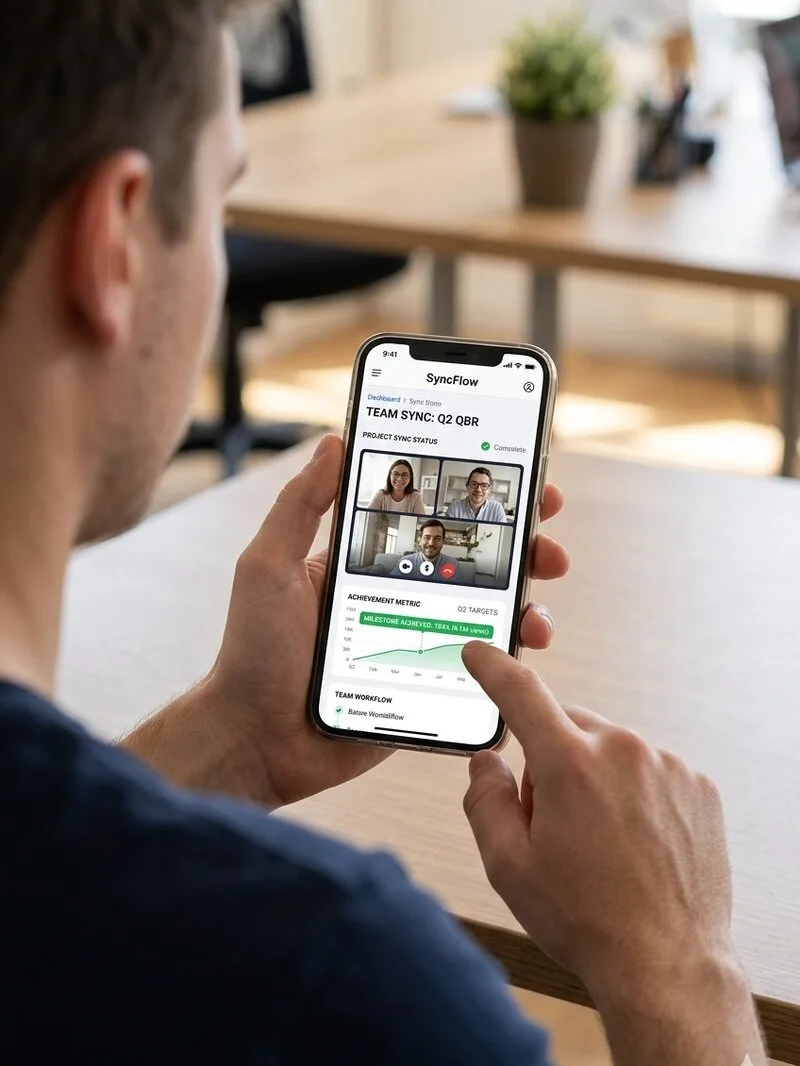
Your Team Hub
Showcase the business advisor trend while keeping your team in sync
- Important dates on the calendar
- Economic news and tax changes
- Live updates on exchange rates / Stock market
- Countdowns for major tax deadlines
- Announcements for new clients, milestones and company news.
- Work Showcase: Team successes / team-building.
- Urgent notifications
- Live local weather & time
Everyone knows
what to do and when
01Today's events with a countdown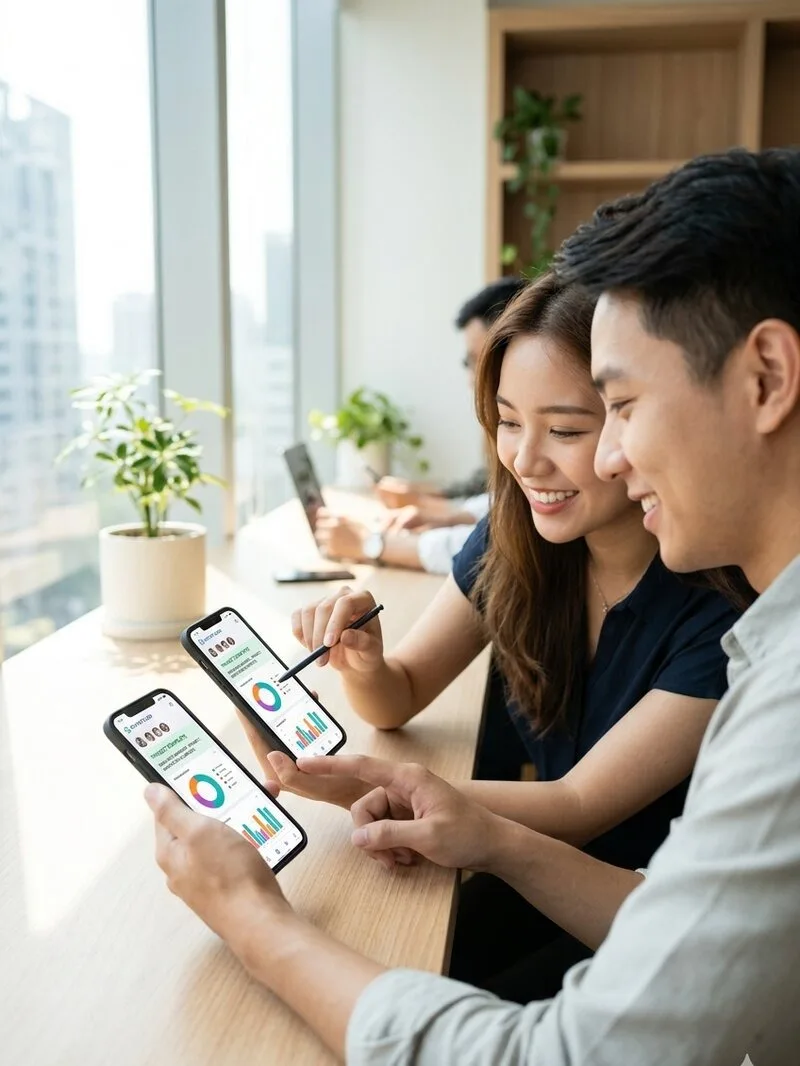 02The week as a slideshow03Automatic completion of past events
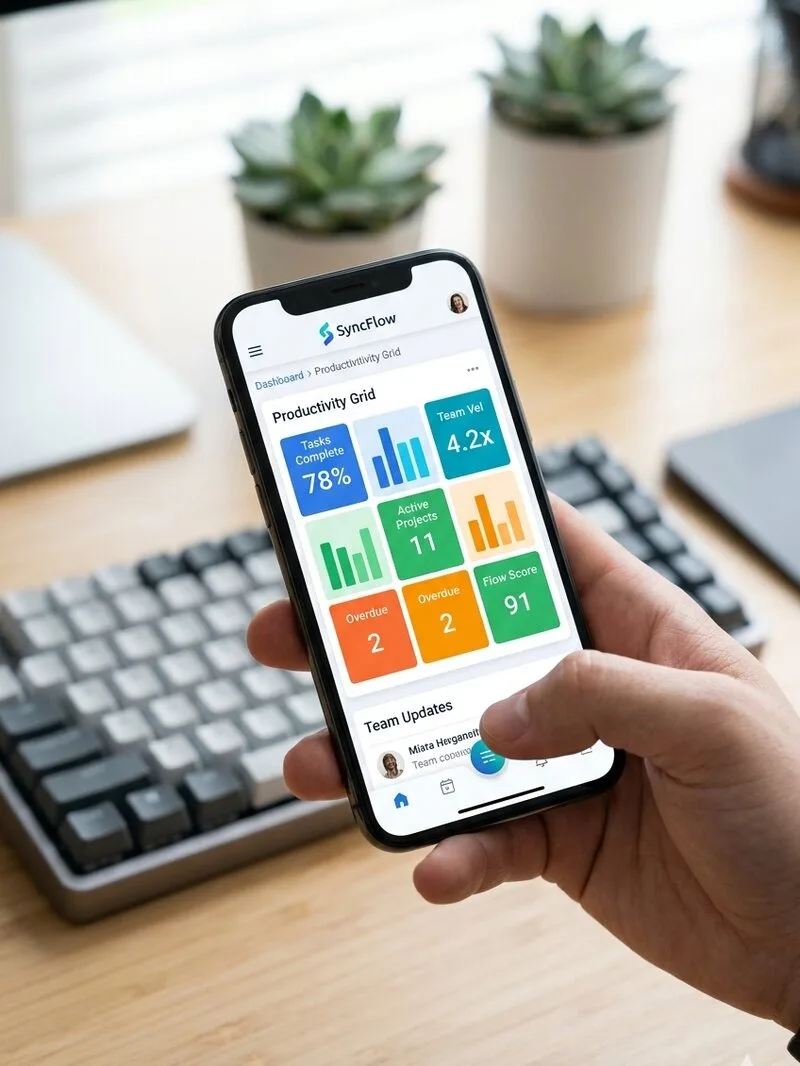 04Upcoming events at a glance05Colour-coded by event type06Alerts and calendar invites07Clock, weather and notices beside the schedule08Roles and permissions for every member
How to set up your
SyncFlow Box
Connected in 60 seconds. No complicated setups.
Connect the SyncFlow Box
Plug it into your TV or monitor with the HDMI cable, then into the power adapter.
Join your Wi-Fi
Enter your network name and password once, the Box connects on its own.
Your board goes live
The Box loads your board full-screen and keeps it refreshed, always on.
Simple, Transparent Pricing
No hidden fees, no per-user charges. Pick the plan that fits your team.
Enterprise
For large organisations with custom needs - dedicated onboarding, custom integrations, white-label options and SLAs. Tell us how you work and we'll tailor SyncFlow to fit.
SyncFlow Box
Pre-configured plug-and-play player. Into any TV via HDMI, on Wi-Fi, up in 60 seconds.

- Fanless, silent operation
- HDMI · Wi-Fi + Ethernet
- SyncFlow pre-installed
Bring Your Own Display
The SyncFlow Box plugs into any screen. Already have one, or prefer to source it locally? Any TV or monitor with these specs is a perfect fit:
- 43-60 inch, any brand
- Built-in web browser (Smart TV) - or drive it with the SyncFlow Box
- Portrait & landscape mounting
- IPS or VA LED panel - avoid OLED (burn-in risk on static boards)
- Matte anti-glare finish · 300+ nits brightness
- Rated for 16/7 or 24/7 operation
- Auto power-on after outage & on/off scheduling
Questions,
answers.
Can't find what you're looking for? Send us a message - we reply fast.
ContactSyncFlow is a live dashboard for your office screen. It puts your team's calendar, announcements, photos and widgets - clock, weather, exchange rates, stocks - on any TV or monitor, and everyone updates it from their phone or laptop. Think of it as the pulse of your business, in plain sight.
No. SyncFlow runs in any modern browser - on a TV, tablet, laptop or phone. There is nothing to download and no software to maintain. If you want a screen that switches itself on and never needs touching, add the SyncFlow Box.
A pocket-sized mini computer, preloaded with your board. Plug it into any TV over HDMI, connect to Wi-Fi and it boots straight into your dashboard - silent, fanless and always on. No technical setup required.
No. Use any screen you already own. If you are buying one, we recommend a 43-60 inch commercial or consumer display with anti burn-in features, and we are happy to share the specs to look for.
Yes. The whole management interface is mobile-first, so owners and managers can create, edit and reschedule events from anywhere. Nothing needs a desktop.
You add up to three links with a short title, and the board shows a QR code for each one. Visitors scan with their phone and land on your menu, offer, booking page or review page. The codes are dynamic: change the destination whenever you like and the printed code keeps working. You also see how many people scanned each one.
You decide. Roles range from owner and admin to manager and viewer, so some people can edit everything while others only look. The screen itself runs in a read-only kiosk mode that cannot be edited by passers-by.
Yes. Every account is isolated, the board is served over HTTPS, and the public display link is a private token you can regenerate at any time. We are based in the EU and handle data under GDPR.
Yes. Choose from ready-made light and dark themes, set your own accent colours and fonts, upload your logo and a custom background. Premium plans add custom CSS and white-label options for full control.
Yes. Get in touch and we will set up a live demo with your own content so you can see it on a real screen. If it is not for you, there is nothing to cancel.
By card through Stripe, or by bank transfer. The SyncFlow Box is a one-off payment, while plans are billed monthly or yearly. If you prefer a transfer, we send you the IBAN along with your order confirmation.
Yes. At checkout you enter your VAT number and company details and the invoice is issued for your payment. If you pay by bank transfer, send us your billing details and we issue it for you.
We ship anywhere in Greece within 48 hours of order confirmation. You will get an email with the shipment details so you can track it.
Starter has 2 users and 100 events, Team 10 users and 250 events, Premium 100 users and 1,000 events. Event history is kept for 1, 2 and 5 years respectively.
Nothing stops working. Once you reach your plan’s limit, each new event you create replaces the oldest one, so the board always shows the most recent. If you need a longer history, move up a plan.
The board needs a connection to stay up to date. As soon as the network or power comes back, the SyncFlow Box reconnects and reloads your board on its own, with nothing for you to press.
As many as you like. The display link is one per account, so you open it on every TV, tablet or SyncFlow Box you have. There is no per-screen charge.
See SyncFlow Live
Before You Decide
Send us a message and we'll personally schedule a free 30-minute video call - we'll walk you through the full product on a live workspace, tailored to your team's needs.
Secure payments and fast delivery
- VISA
- Mastercard
- Apple Pay
- Google Pay
- IRIS
Pay by bank transfer, with a company invoice on request.
SyncFlow Box ships anywhere in Greece within 48 hours.